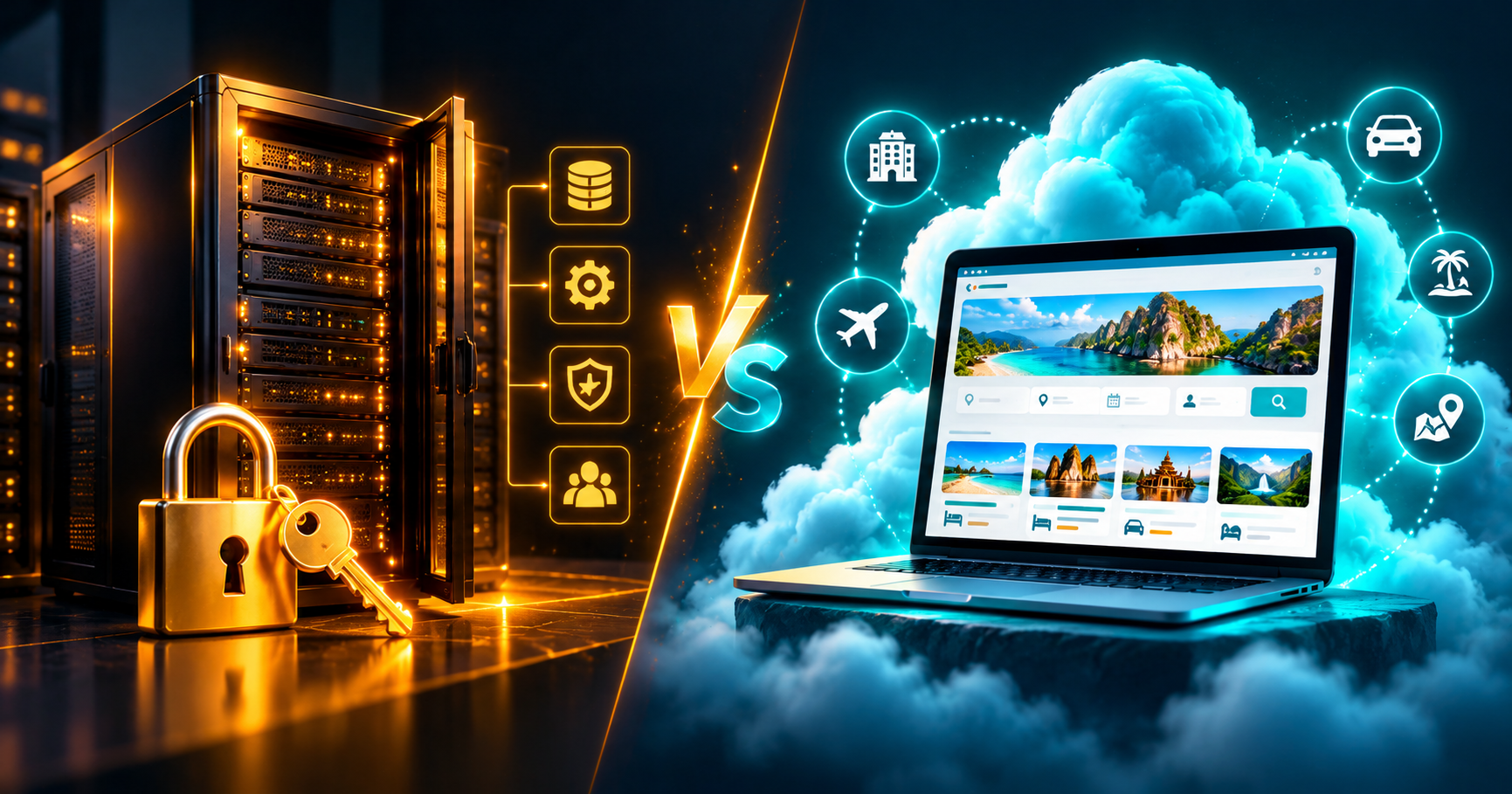
The self-hosted vs cloud travel CRM decision — choosing between software on your own server and a cloud (SaaS) subscription — is one of the biggest technology decisions a tour operator or travel agency makes. Both can run your inquiries, quotes, bookings and payments — but they differ in cost, control, maintenance and flexibility. This guide compares them honestly so you can choose the right option for your business.
What is a cloud travel CRM?
A cloud CRM is software you use in your browser while the provider hosts it, backs it up and updates it. You pay a monthly or yearly subscription, usually per company or per user. Setup takes minutes and there is nothing to install.
What is a self-hosted travel CRM?
A self-hosted CRM is installed on your hosting account or server, under your domain. You buy a licence once, receive the source code and keep full control of the database. You (or your developer) handle hosting, backups and updates.
Side-by-side comparison
| Factor | Cloud CRM | Self-hosted CRM |
|---|---|---|
| Upfront cost | Low (monthly fee) | Higher (one-time licence) |
| Long-term cost | Grows every year | Hosting only after purchase |
| Setup time | Minutes | A few hours (or done for you) |
| Data ownership | Stored by provider | Stored on your server |
| Updates & backups | Handled by provider | Your responsibility |
| Customisation | Limited to settings | Full — you own the code |
| Own domain & branding | Usually limited | Complete |
| Best for | Start-ups, small teams | Established agencies, DMCs, developers |
Cost over three years
Subscription costs add up. A plan at $39/month costs 36 payments over three years, while a self-hosted licence at $800 is paid once — plus your hosting. If your team is growing and you plan to use the system for years, the one-time option is usually more economical. If you are just starting and want to test the market, a monthly plan keeps your risk low.
Data ownership and privacy
Your customer list, quotes and supplier rates are valuable business assets. With a self-hosted CRM, the database sits on a server you control, which helps when clients or partners ask where their data is stored. With a cloud CRM, choose a provider that lets you export your data at any time.
Maintenance and security
Cloud providers apply security patches and backups for you. When you self-host, you need to keep PHP and the database up to date, use strong passwords, enable HTTPS and schedule backups. Good hosting providers make most of this simple, and many agencies ask their web developer to manage it.
Customisation and integration
This is where self-hosting shines. Owning the code means you can adapt quote templates, add fields, connect your tour website so every inquiry lands in the CRM, or build features specific to your market. With a cloud CRM, you depend on the provider's roadmap.
Which should you choose?
- Choose cloud if you are a new or small operator, want zero technical work and prefer a low monthly cost.
- Choose self-hosted if you are an established agency or DMC, want to own your data and code, need custom features or want to avoid ever-growing subscription fees.
- Choose a lifetime cloud plan if you want to pay once but still want someone else to host it.
TourRova offers all three
TourRova is a travel CRM built for tour operators, with an inquiry pipeline, tour pre-costing with Google Maps, itinerary builder, branded quotes, vouchers, invoices, payment reminders, WhatsApp and a customer portal. You can start on a cloud plan from $19/month, pay once for Lifetime Cloud at $699, or buy the Self-Hosted licence at $800 with full PHP/MySQL source code, unlimited users and free installation help.
Own your travel CRM
Self-Hosted licence $800 one-time — full source code, unlimited users, installation help included.
See self-hosted pricingMigration: can you switch later?
Many agencies start on a cloud plan and move to self-hosting once the team grows. Before you commit, check that the provider lets you export customers, bookings and supplier rates, and that the self-hosted version uses the same data structure. With TourRova both versions share the same database design, so moving from cloud to self-hosted is a straightforward export and import rather than a rebuild.
What a self-hosted installation needs
- Shared or VPS hosting with PHP 8 and MySQL/MariaDB (for example Hostinger or any cPanel host)
- Your own domain or sub-domain with a free SSL certificate
- A daily backup routine (most hosts include this)
- A cron job for automatic payment reminders
- Optional: Google Maps API key for route costing and WhatsApp Cloud API for messaging
If this list sounds technical, ask the vendor to install it for you. TourRova's self-hosted licence includes installation help, so you can be running on your own domain the same day.
Real-world scenarios
A two-person start-up taking ten inquiries a month benefits most from a cloud plan: no setup, low monthly cost and nothing to maintain. A DMC with eight staff and hundreds of quotes a season usually saves money with a self-hosted licence and gains the freedom to customise quotes and connect its website. An agency that wants predictable costs but no server work fits a lifetime cloud plan.
Questions to ask any CRM vendor
- Can I export all my data at any time?
- Is there a per-user or per-booking fee?
- What happens to my data if I stop paying?
- Can the system be customised for my workflow?
- Who installs it and who helps if something breaks?
Not sure yet? Try the cloud version with a 14-day free trial — your data can later move to a self-hosted installation.